Design and Create an Aesthetic Moodboard Using Photoshop

A Practical Application Using Your Favorite Character

What's Inside

Learn How To Create An Aesthetic Moodboard Using Photoshop

Learn Photoshop through a step by step Practical Application Using Your Fav Character:

You will learn:

  1. Layer Management
  2. Removing Backgrounds from Images
  3. Exploring Blending modes
  4. Importing Elements and Exporting
  5. Arranging Items on on the Canvas
  6. Basic Masks

Come along and design an entire aesthetic mood-moodboard with me for YOUR fav character.

We'll really dive into things that you love about them, their style, apartment, fashion and food choices and all things that fit in with their character and mindfully arrange them into some really cool art. It's fun, cathartic and you'll pick up some graphic design and sketching skills along the way.

1 - Get to know WHY you love your character

2 - Sketch and Design Their World

3 - Gather Elements and Arrange in Photoshop

4 - Create a Board that You Love

This class is aimed at everyone :)

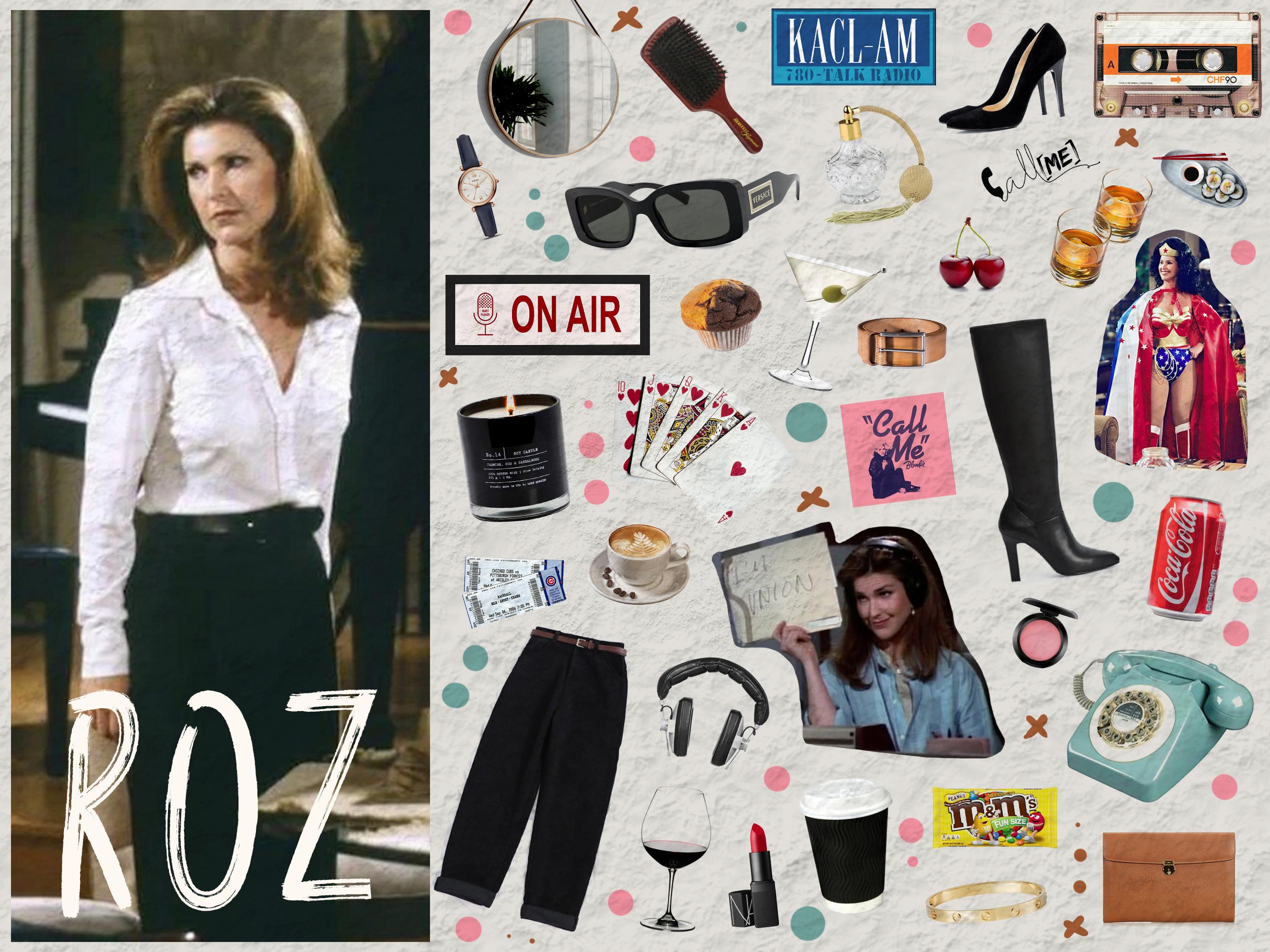
Here's what we'll be making:

ec03110d.jpg


Get started now!


Certificate Available
540+ Students
9 Lectures
0+ Hours of Video
Lifetime Access
24/7 Support
Instructor Rating
Benjamin Wilson

My Name is Benji.

I am a passionate entrepreneur from Melbourne Australia!

I love creating innovative marketing strategies across all platforms from Instagram, to Facebook, and YouTube. I love pinpointing the difference between what makes people successful and what makes people fail then put all my hard earned knowledge into a course to share with you!

My favourite thing to hear from past students is "you saved me months of time and thousands of dollars!." I am currently working hard to grow my course catalogue and provide as much value as possible ;)

I love meeting new people so be sure to reach out to me if you want to connect!

- Benji

Popular Bundles